Navigation
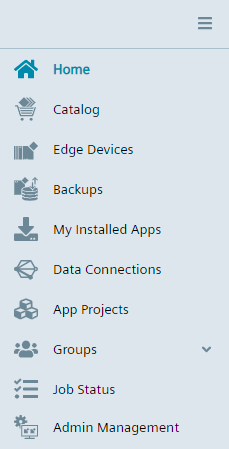
The following figure shows the navigation menu:
| Module | Description |
|---|---|
 |
Home Navigate to the home page |
 |
Catalog Install available apps from the catalog |
 |
Edge Devices Connect Edge Devices to the Industrial Edge Management |
 |
Backups Restore or delete IED states |
 |
My Installed Apps Overview and management of all installed apps in the IEM |
 |
Data Connections Launching apps configured by a configurator |
 |
App Projects Create own projects for private coherent apps, and join app groups to contribute to shared apps |
 |
Groups
|
 |
Job Status Display executed Edge App and Edge Device jobs |
 |
Admin Management Open the Admin UI (only available for users with admin permissions) |
Hiding and displaying the navigation menu
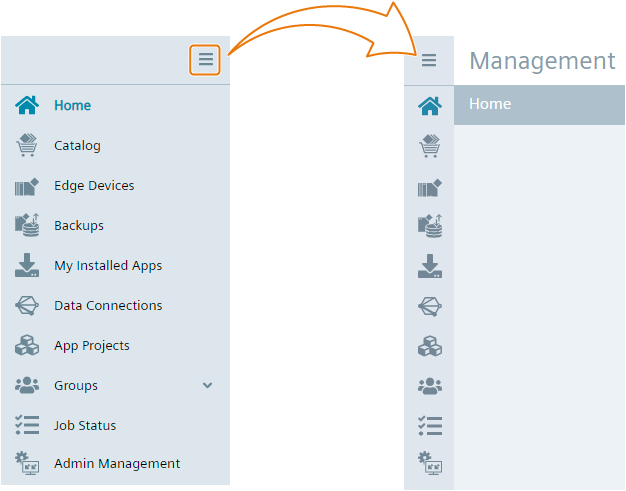
You hide and display the navigation menu by clicking the icon in the navigation menu: