Data Connection - Overview
From the Data Connections menu item, you launch the Databus System App as well as apps that are configured by a configurator or that have an external URL as endpoint.
Note Apps with an external URL as endpoint When creating an app version in the IE App Publisher, you can set an external URL as redirection endpoint. By launching the app, the respective endpoint will be opened. You find more information on external endpoints, and in general on app redirections, in the
App Redirectionsection in theIndustrial Edge App Publisher - Operationmanual.
If you install configurators in the Maintenance UI and load the respective runtime app into the catalog of the Management UI, the Data Connections screen is displayed as follows for example.
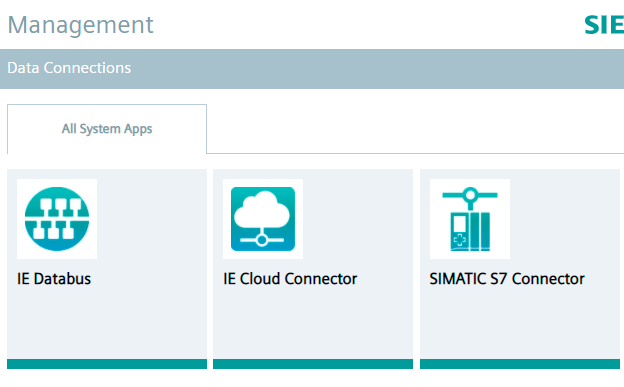
Apps that have an external URL as endpoint are also displayed in this screen.
Once one of these apps is installed on an Edge Device, you can launch the respective app on that Edge Device.