Adding an Edge Device
After defining permissions for a group, you specify which Edge Devices you want to share.
Procedure
-
From the drop-down list, select the group for which you want to share an Edge Device.
-
Click
Add Edge Devices. TheAdd Edge Devices to Groupscreen is displayed.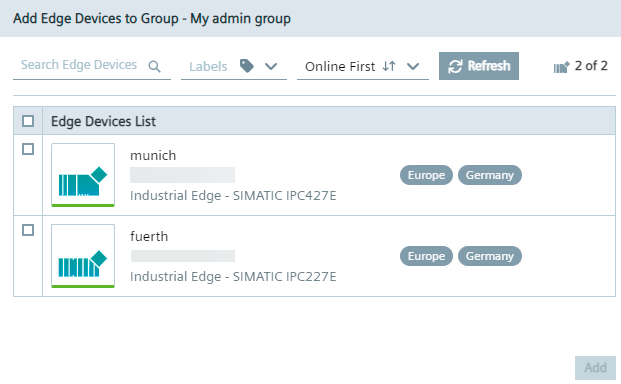
-
Select the Edge Devices you want to share to the group.
-
Click
Add. The Edge Devices are added to the group.