Catalog
The catalog provides all the available apps that you can install in the IEM OS, for example the configurators.
The Catalog screen is displayed as follows for example:
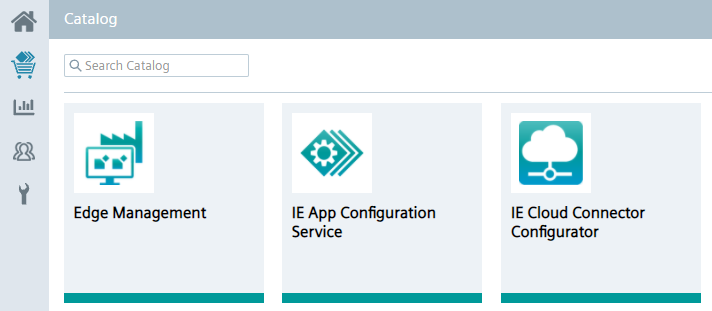
By clicking the tile of an app, you can install the app.
If the app is already installed and if a new version of the app is available, you can also update the installed app from here by clicking the app tile.
In this case, instead of the Install App, the Update Application screen is displayed.
To use the configurators in the IEM, you must install them from the catalog in the Maintencane UI.
You find more information on installing configurators in the Installing Configurators subsection in the Industrial Edge Management ‑ Getting Started manual.