Launching apps
Requirement
- The configurator is installed in the Maintenance UI.
- The respective runtime app is installed on an Edge Device.
Procedure
-
Click the tile of the app, in this example the
DatabusSystem App. TheLaunch Appscreen is displayed.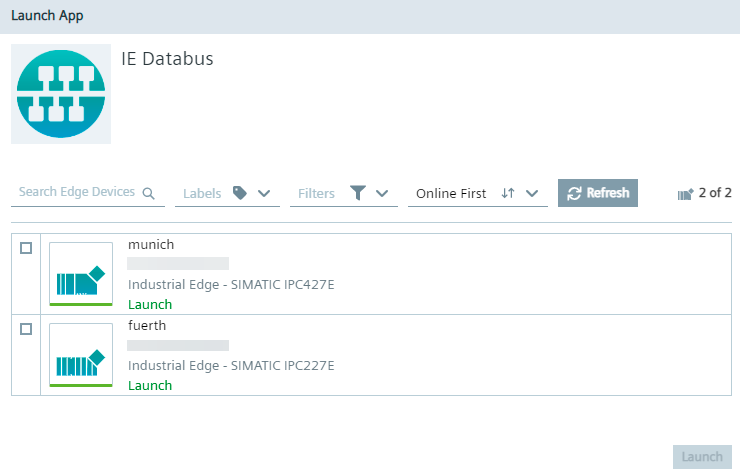
-
Select the Edge Device on which the app is installed.
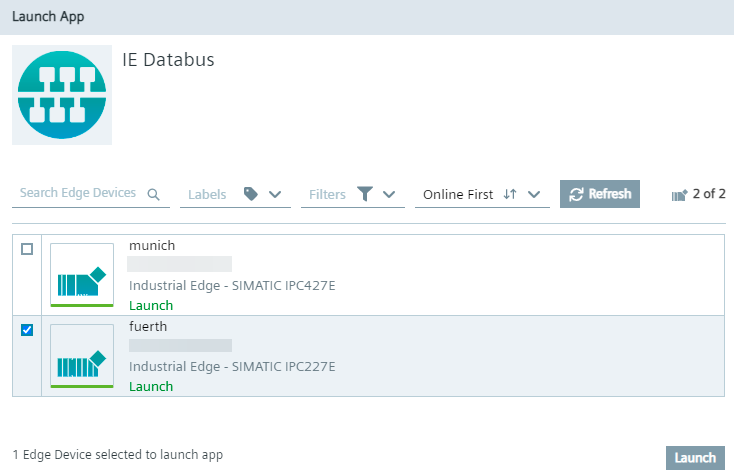 Only Edge Devices on which the app is installed are available. You can only select 1 Edge Device.
 -
Click
Launch. The app is launched and will be opened in a new tab inside theData Connectionsscreen. The tab displays the app name and the respective Edge Device.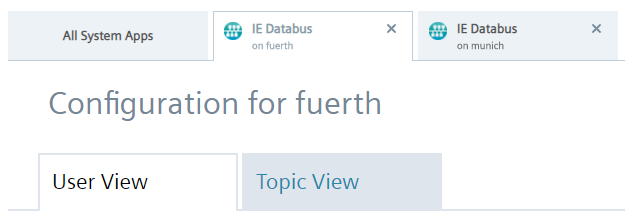 In that way, you can open several apps on different Edge Devices and swicth between the apps through the tabs.