Login
Requirement
You successfully signed up to the Maintenance UI.
Procedure
-
Open the Maintenance UI by entering the IP address respectively domain of the Maintenance UI in the HTTPS protocol into an Internet browser.
-
Accept the privacy warning and proceed to the
Sign inscreen.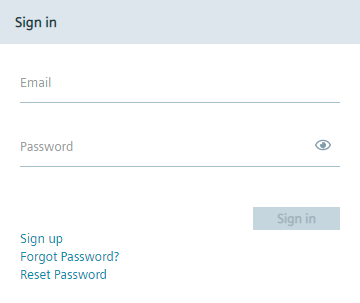
-
Sign in with the credentials that you have entered during the sign up process. If you are the admin of the IEM OS, sign in with the credentials that you have defined when you created the IEM OS.
After signing in, the Home screen is displayed.