Switch to the new UI
There is the option to switch to our new UI.
The new UI contains overall improvements and new features which you can find here.
Note This feature will be expanded in future releases.
Procedure
-
The new UI is available for the following pages:
BackupsEdge DevicesDevice DetailHomeInstall Application
-
Click the
Discover a new experiencebutton in the bottom right corner.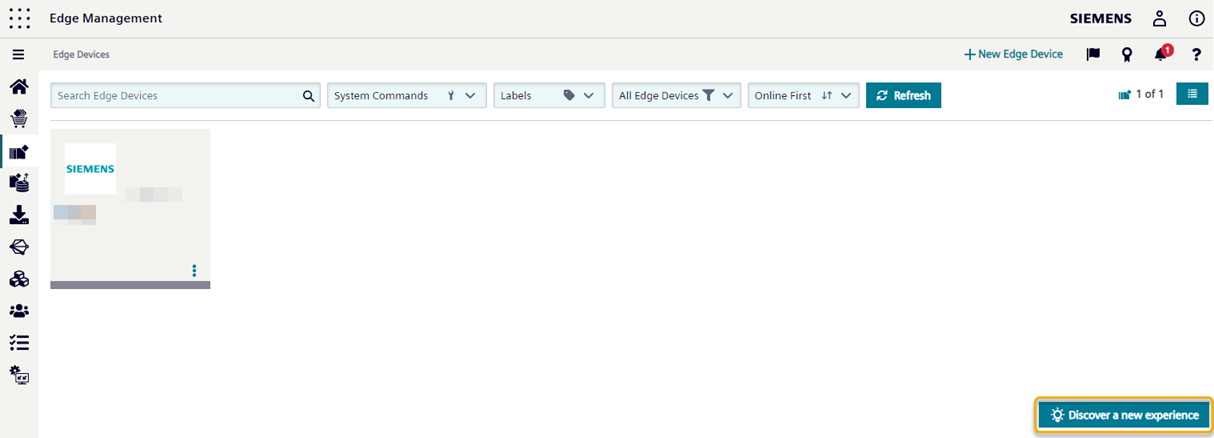
A pop-up appears as shown below.

-
Confirm by clicking on the
Discover a new experiencebutton. You are now using the new UI.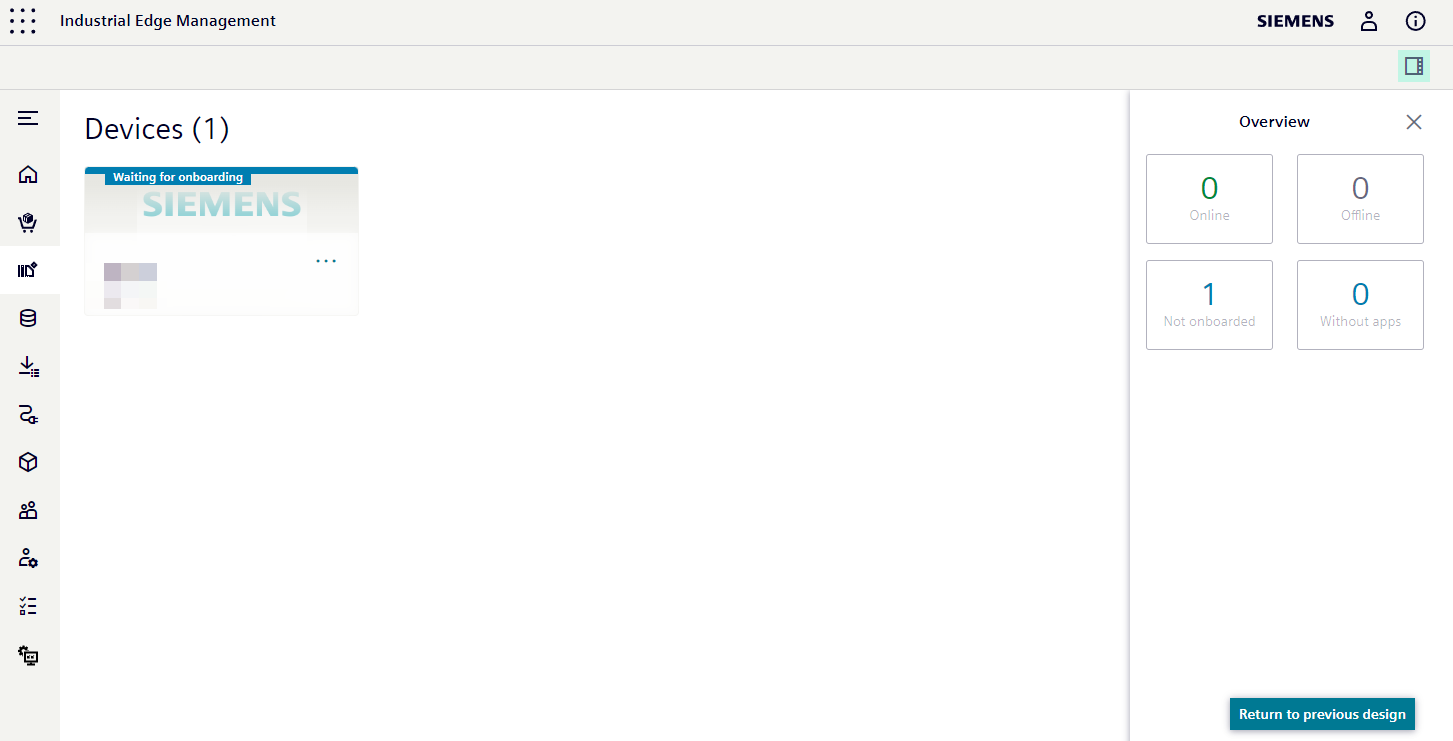 Click the
 Return to previous designbutton to return to the old UI.
Additional Info With the new UI, user with the
Adminrole can see all devices by default. It was done since admins can see every device in a different application called "Edge Admin Management" anyhow. Listing all devices will end the reliance on a different app. The User is redirected automatically to the new UI until he clicks "Return to previous design" again.