Deployment with K3s
K3s IS INTENDED FOR DEVELOPMENT AND PRODUCTION PURPOSES
This guide describes how to create a Kubernetes cluster by using K3s. For a production-ready cluster, follow the official K3s guides and best practices.
This guide contains instructions on how to:
- Download k3s from the official website
- Configure the Ingress controller for IED onboarding
Installation of K3s
Installation of K3s
Please refer to the official k3s website for detailed information on the installation of K3s. Ensure that the minimum system requirements are satisfied.
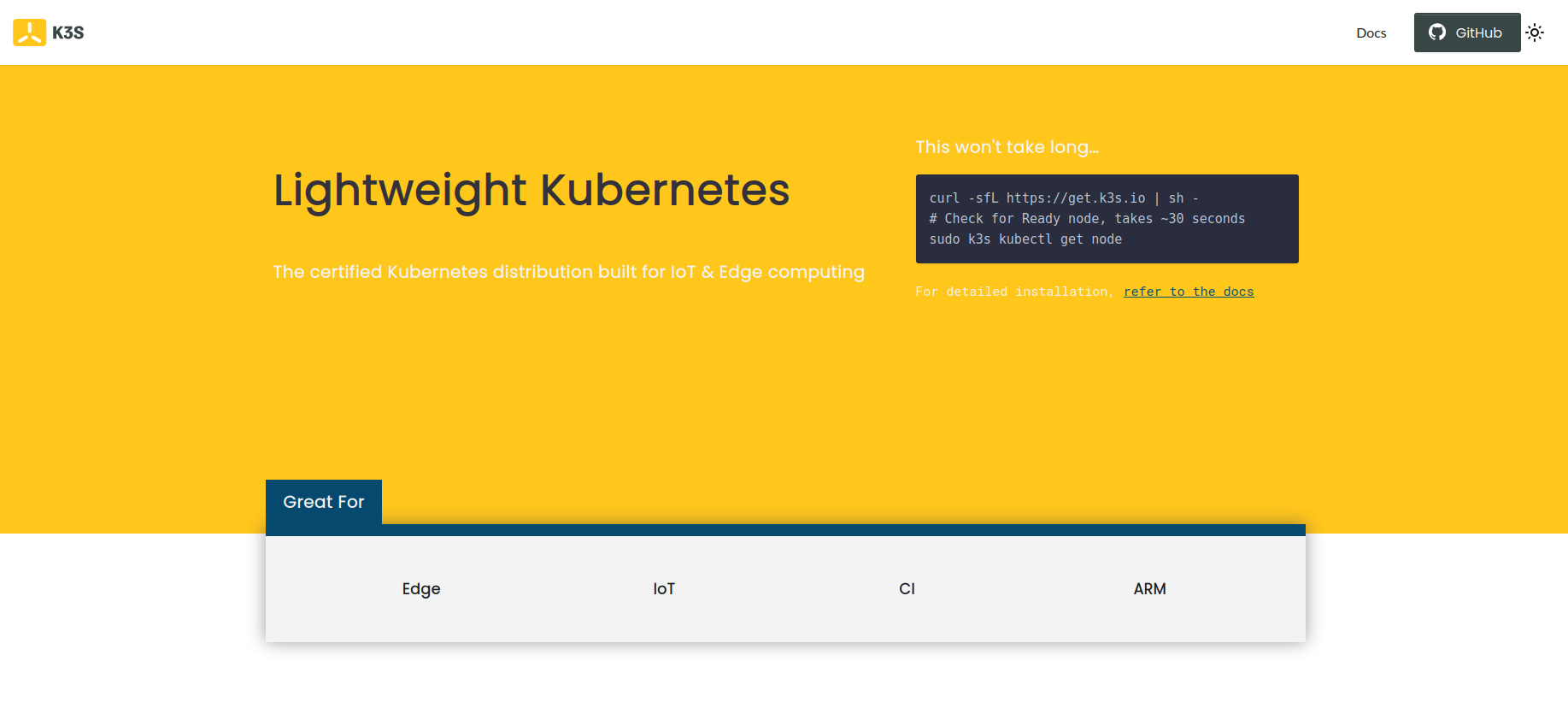
Install K3s by using following command:
curl -sfL https://get.k3s.io | sh -
This will install k3s with Traefik as default ingress.
Verify the Installation
After a few minutes, the installation should be complete; verify the installation by listing the available nodes:
sudo k3s kubectl get node
Configure kubectl
Copy the generated kubeconfig file for your user
mkdir ~/.kube/
sudo cp -a /etc/rancher/k3s/k3s.yaml ~/.kube/config
sudo chown <your-user:your-group> ~/.kube/config
Generate Certificates
You can either use custom TLS certificates that are used to terminate TLS traffic on the gateway, or you can create them using openssl commands. In order to create certificates, you need to copy below mentioned files in a folder in your VM then make the script executable and run it providing the required IP address or DNS name. See the TLS section for further informations.
Generate certificate by providing IP address
In the following, we will create the required certificates using openssl with sample data.
./gen_with_ca_IP.sh <ip of host>
#!/bin/bash

path=$(dirname "$0")

IEM_IP=$1

mkdir -p "${path}"/out

openssl genrsa -out "${path}"/out/myCA.key 4096

openssl req -x509 -new -nodes -key "${path}"/out/myCA.key -sha256 -days 825 -out "${path}"/out/myCA.crt -config "${path}"/ca.conf

openssl genrsa -out "${path}"/out/myCert.key 4096

openssl req -new -key "${path}"/out/myCert.key -out "${path}"/out/myCert.csr -subj "/C=DE/ST=Dummy/L=Dummy/O=Dummy/CN=$IEM_IP" -config <(cat "${path}"/cert.conf <(printf "\\n[alt_names]\\nIP.1=%s" "${IEM_IP}"))

openssl x509 -req -in "${path}"/out/myCert.csr -CA "${path}"/out/myCA.crt -CAkey "${path}"/out/myCA.key -CAcreateserial -out "${path}"/out/myCert.crt -days 825 -sha256 -extfile <(cat "${path}"/cert-ext.conf <(printf "\\n[alt_names]\\nIP.1=%s" "${IEM_IP}"))

cat "${path}"/out/myCert.crt "${path}"/out/myCA.crt > "${path}"/out/certChain.crt

rm "${path}"/out/myCert.csr "${path}"/out/myCA.srl

cp "${path}"/out/myCert.crt "${path}"/out/certChain.crt "$(pwd)"/
basicConstraints = CA:TRUE
keyUsage = cRLSign, keyCertSign
[req]
distinguished_name = req_distinguished_name
prompt = no

[req_distinguished_name]
C   = DE
ST  = Dummy
L   = Dummy
CN  = My Personal Root CA
IEM = ""

[req]
default_md = sha512
basicConstraints=CA:FALSE
keyUsage = digitalSignature, nonRepudiation, keyEncipherment, dataEncipherment
default_keyfile    = myCert.key
x509_extensions    = v3_ca
prompt             = no
authorityKeyIdentifier=keyid,issuer
distinguished_name = req_distinguished_name
req_extensions     = req_ext


[req_distinguished_name]
C=DE
ST=Dummy
L=Dummy
O=Dummy
CN=localhost

[req_ext]
subjectAltName = @alt_names

[v3_ca]
subjectAltName = @alt_names
basicConstraints = CA:FALSE
nsCertType = server
nsComment = "My Certificate"
subjectKeyIdentifier = hash
authorityKeyIdentifier = keyid,issuer:always
keyUsage = nonRepudiation, digitalSignature, keyEncipherment
extendedKeyUsage = serverAuth
subjectAltName = @alt_names
Generate certificate by providing DNS name
In the following, we will create the required certificates using openssl with sample data.
./gen_with_ca_DNS.sh <name of host>
#!/bin/bash

path=$(dirname "$0")

IEM_NAME=$1

mkdir -p "${path}"/out

openssl genrsa -out "${path}"/out/myCA.key 4096

openssl req -x509 -new -nodes -key "${path}"/out/myCA.key -sha256 -days 825 -out "${path}"/out/myCA.crt -config "${path}"/ca.conf

openssl genrsa -out "${path}"/out/myCert.key 4096

length=${#IEM_NAME}
if [ $length \> 63 ]
then
    echo "WARNING: string too long for CN, will be adjusted"
    arrCN=(${IEM_NAME//./ })
    IEM_NAME_CN=*.${arrCN[-3]}.${arrCN[-2]}.${arrCN[-1]}
    echo "new CN $IEM_NAME_CN"
else
    IEM_NAME_CN=$IEM_NAME
fi

openssl req -new -key "${path}"/out/myCert.key -out "${path}"/out/myCert.csr -subj "/C=DE/ST=Dummy/L=Dummy/O=Dummy/CN=$IEM_NAME_CN" -config <(cat "${path}"/cert.conf <(printf "\\n[alt_names]\\nDNS=%s" "${IEM_NAME}"))

openssl x509 -req -in "${path}"/out/myCert.csr -CA "${path}"/out/myCA.crt -CAkey "${path}"/out/myCA.key -CAcreateserial -out "${path}"/out/myCert.crt -days 825 -sha256 -extfile <(cat "${path}"/cert-ext.conf <(printf "\\n[alt_names]\\nDNS=%s" "${IEM_NAME}"))

cat "${path}"/out/myCert.crt "${path}"/out/myCA.crt > "${path}"/out/certChain.crt

rm "${path}"/out/myCert.csr "${path}"/out/myCA.srl
cp "${path}"/out/myCert.crt "${path}"/out/certChain.crt "$(pwd)"/
basicConstraints = CA:TRUE
keyUsage = cRLSign, keyCertSign
[req]
distinguished_name = req_distinguished_name
prompt = no

[req_distinguished_name]
C   = DE
ST  = Dummy
L   = Dummy
CN  = My Personal Root CA
IEM = ""

[req]
default_md = sha512
basicConstraints=CA:FALSE
keyUsage = digitalSignature, nonRepudiation, keyEncipherment, dataEncipherment
default_keyfile    = myCert.key
x509_extensions    = v3_ca
prompt             = no
authorityKeyIdentifier=keyid,issuer
distinguished_name = req_distinguished_name
req_extensions     = req_ext


[req_distinguished_name]
C=DE
ST=Dummy
L=Dummy
O=Dummy
CN=localhost

[req_ext]
subjectAltName = @alt_names

[v3_ca]
subjectAltName = @alt_names
basicConstraints = CA:FALSE
nsCertType = server
nsComment = "My Certificate"
subjectKeyIdentifier = hash
authorityKeyIdentifier = keyid,issuer:always
keyUsage = nonRepudiation, digitalSignature, keyEncipherment
extendedKeyUsage = serverAuth
subjectAltName = @alt_names
Create namespace
Create a namespace for installation of IEM Pro.
kubectl create namespace <namespace>
Install IEM Pro with provisioning CLI
Use following guide to install the IEM Pro.
Installation of K3s
To check the avaliable storage class use kubectl get storageclass.
During the provisioning you need to provide the right storageClass.
The k3s storageClass is named local-path by default.
Use the following parameter specific for the K3s installation:
| Parameter | Explanation | Value |
|---|---|---|
| --set global.storageClass | Storage class of the IEM Pro cluster (show all volumes with kubectl get storageclass) default value is standard |
local-path |
| --set global.storageClassPg | Storage class Postgress of the IEM Pro cluster (show all volumes with kubectl get storageclass) default value is standard |
local-path |
| --set global.gateway.ingress.enabled | Creation of ingress rule, which will point to the IE Gateway. Traefik is the default deployed ingress controller in K3s. When using Traefik set parameter global.gateway.ingress.enabled to false. |
false |
Configure Ingress for DNS based setup
For configuring the ingress rule correctly you need to get the service name of the Industrial Edge Gateway.
Get the service name of Industrial Edge Gateway:
kubectl get svc --no-headers -o custom-columns=":metadata.name" -n <namespace> | grep gateway-proxy

# Output:

ieb14c-gateway-proxy
-
Deploy the secret:
kubectl -n <namespace> create secret tls iemcert --cert=<certificate.crt> --key=<privatekey.key> -
Create the Ingress Ressource:
Example Ingress
ingress.yamlInsert a value for the host according the value set forapiVersion: networking.k8s.io/v1 kind: Ingress metadata: name: iem-ingress namespace: <namespace> annotations: kubernetes.io/ingress.class: traefik traefik.ingress.kubernetes.io/ssl-redirect: "true" spec: tls: - hosts: # # Hostname for accessing the IEM Pro e.g. iem.siemens.com - <Hostname> secretName: iemcert rules: # # Hostname for accessing the IEM Pro e.g. iem.siemens.com - host: <Hostname> http: paths: - path: / pathType: Prefix backend: service: # Servicename of Industrial Edge Gateway name: <ieb14c-gateway-proxy> port: name: kong-proxyhostnamein the template file andservice nameof Industrial Edge Gateway in theingressressource definition file. -
Deploy the ingress rule:
kubectl apply -f ingress.yaml