Deployment with minikube
MINIKUBE IS INTENDED FOR DEVELOPMENT PURPOSES ONLY
Minikube installs a local Kubernetes cluster on MacOS, Linux or Windows.
This page guides you through the process of setting up a local Kubernetes cluster using minikube.
This guide contains instructions on how to:
- Download minikube from the official website
- Start a Kubernetes cluster on a local machine
- Configure the Ingress controller for IED onboarding
Installation of minikube
Installation of Minikube
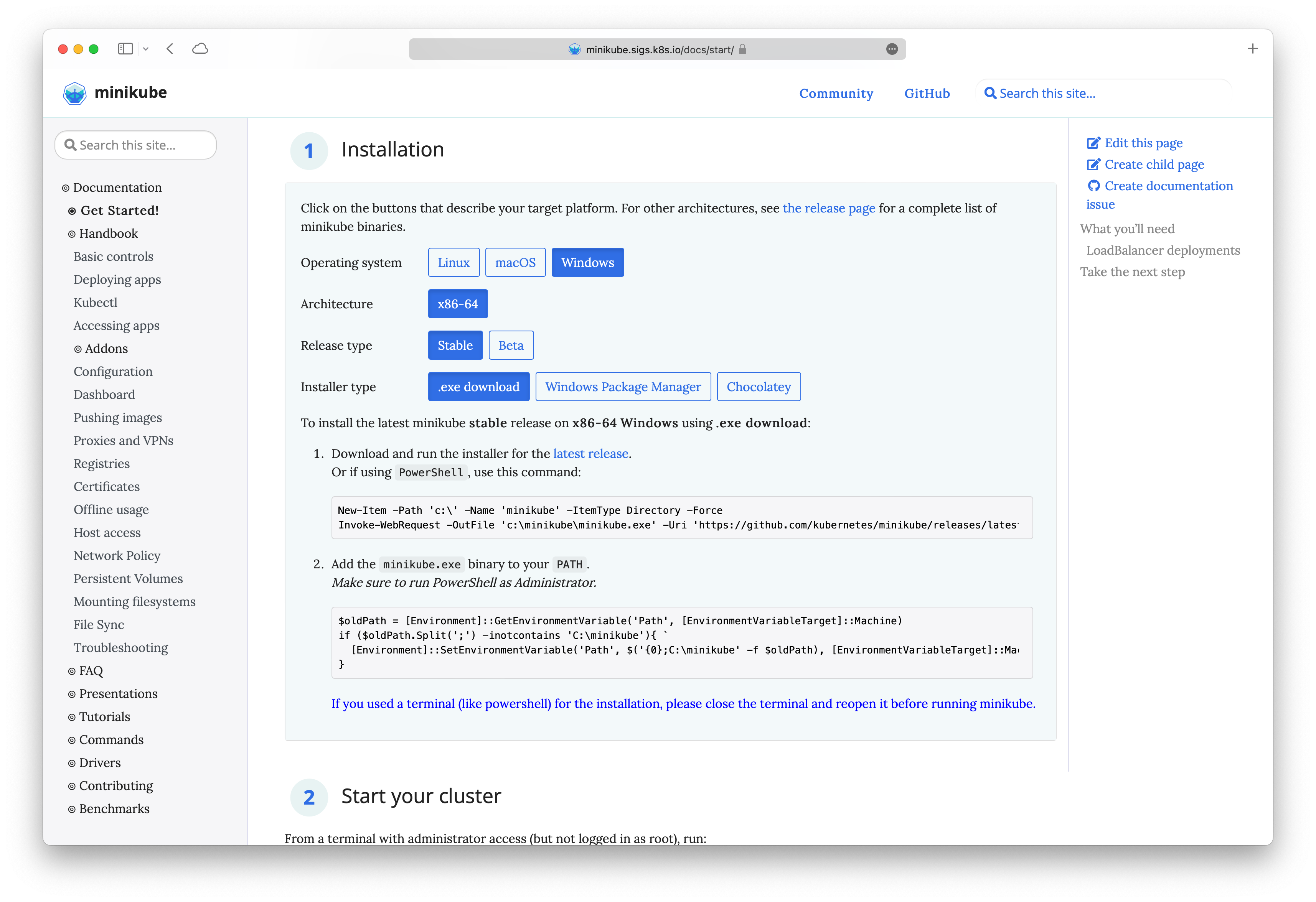
Please refer to the official minikube website for detailed information on the installation of minikube. Download the client suitable for your system and ensure that the minimum system requirements are satisfied.
Starting the minikube cluster
The minikube cluster is started using a terminal with administrator access.
minikube start
For MacOS, it has been known to work better with VirtualBox Driver. After installing VirtualBox based on the pre-requisites here, start the cluster using the command
minikube start --driver=virtualbox
After the startup procedure has been completed minikube will announce a successfull installation.
Note With newer versions of Minikube, pods cannot communicate with each other by service name. Run the following command to enable this communication
minikube ssh 'sudo ip link set docker0 promisc on'.
Run minikube in Windows Subsystem for Linux (WSL)
To run minikube from windows within wsl, follow these steps:
- Setup WSL w/ Debian
- Install Docker in WSL, follow this guide to install docker w/o docker desktop.
- Start Dockerd (
sudo dockerd) and keep it running, continue in second wsl session. - Install minikube (follow Linux install instructions, e.g., with
.debpackage) - Start minikube like so:
Adjust memory and CPUs based on your system and check w/ recommended values in the documentation.
minikube start \ --cpus 4 --memory 8gb \ --extra-config=kubelet.runtime-request-timeout=10m - Activate Ingress Controller and generate self-signed certificate and configure ingress
- Deploy IEM Pro using
ieprovisioncli tool. - Minikube Tunnel to access port 443.
Cluster IP address
Each Kubernetes cluster is accessible through an IP address. To install an Industrial Edge Management on a cluster, use the following command
minikube ip
Ingress Controller Activation
#Enable ingress addon

minikube addons enable ingress
The following are required certificates for the ingress controller to on-board Industrial Edge Devices.
Code Example Generating Certificates
In the following, we will create the required certificates using openssl with example data.
bash
./gen_with_ca.sh <ip or name of host>
basicConstraints = CA:TRUE
keyUsage = cRLSign, keyCertSign
[req]
distinguished_name = req_distinguished_name
prompt = no

[req_distinguished_name]
C   = DE
ST  = Dummy
L   = Dummy
CN  = My Personal Root CA
IEM = ""

[req]
default_md = sha512
basicConstraints=CA:FALSE
keyUsage = digitalSignature, nonRepudiation, keyEncipherment, dataEncipherment
default_keyfile    = myCert.key
x509_extensions    = v3_ca
prompt             = no
authorityKeyIdentifier=keyid,issuer
distinguished_name = req_distinguished_name
req_extensions     = req_ext


[req_distinguished_name]
C=DE
ST=Dummy
L=Dummy
O=Dummy
CN=localhost

[req_ext]
subjectAltName = @alt_names

[v3_ca]
subjectAltName = @alt_names
basicConstraints = CA:FALSE
nsCertType = server
nsComment = "My Certificate"
subjectKeyIdentifier = hash
authorityKeyIdentifier = keyid,issuer:always
keyUsage = nonRepudiation, digitalSignature, keyEncipherment
extendedKeyUsage = serverAuth
subjectAltName = @alt_names
#!/bin/bash

# Copyright (c) 2018-2022, Siemens AG (http://www.siemens.com)
# All rights reserved.
# THIS IS PROPRIETARY SOFTWARE OWNED BY SIEMENS AG.
# USE ONLY PERMITTED ACCORDING TO LICENSE AGREEMENT.
# THIS SOFTWARE IS PROVIDED BY THE COPYRIGHT HOLDERS AND CONTRIBUTORS "AS IS"
# AND ANY EXPRESS OR IMPLIED WARRANTIES, INCLUDING, BUT NOT LIMITED TO, THE
# IMPLIED WARRANTIES OF MERCHANTABILITY AND FITNESS FOR A PARTICULAR PURPOSE
# ARE DISCLAIMED. IN NO EVENT SHALL SIEMENS AG OR ITS CONTRIBUTORS BE LIABLE
# FOR ANY DIRECT, INDIRECT, INCIDENTAL, SPECIAL, EXEMPLARY, OR CONSEQUENTIAL
# DAMAGES (INCLUDING, BUT NOT LIMITED TO, PROCUREMENT OF SUBSTITUTE GOODS OR
# SERVICES; LOSS OF USE, DATA, OR PROFITS; OR BUSINESS INTERRUPTION) HOWEVER
# CAUSED AND ON ANY THEORY OF LIABILITY, WHETHER IN CONTRACT, STRICT LIABILITY,
# OR TORT (INCLUDING NEGLIGENCE OR OTHERWISE) ARISING IN ANY WAY OUT OF THE USE
# OF THIS SOFTWARE, EVEN IF ADVISED OF THE POSSIBILITY OF SUCH DAMAGE.


path=$(dirname "$0")

IEM_IP=$1

mkdir -p "${path}"/out

openssl genrsa -out "${path}"/out/myCA.key 4096

openssl req -x509 -new -nodes -key "${path}"/out/myCA.key -sha256 -days 825 -out "${path}"/out/myCA.crt -config "${path}"/ca.conf

openssl genrsa -out "${path}"/out/myCert.key 4096

openssl req -new -key "${path}"/out/myCert.key -out "${path}"/out/myCert.csr -subj "/C=DE/ST=Dummy/L=Dummy/O=Dummy/CN=$IEM" -config <(cat "${path}"/cert.conf <(printf "\\n[alt_names]\\nIP.1=%s" "${IEM_IP}"))

openssl x509 -req -in "${path}"/out/myCert.csr -CA "${path}"/out/myCA.crt -CAkey "${path}"/out/myCA.key -CAcreateserial -out "${path}"/out/myCert.crt -days 825 -sha256 -extfile <(cat "${path}"/cert-ext.conf <(printf "\\n[alt_names]\\nIP.1=%s" "${IEM_IP}"))

cat "${path}"/out/myCert.crt "${path}"/out/myCA.crt > "${path}"/out/certChain.crt

rm "${path}"/out/myCert.csr "${path}"/out/myCA.srl
cp "${path}"/out/myCert.crt "${path}"/out/certChain.crt "$(pwd)"/
The next step will replace minikube's default certificates with the newly created certificates.
kubectl -n kube-system create secret tls defaultcert --key ./myCert.key --cert ./myCert.crt
Configure minikube ingress to use custom certificate
minikube addons configure ingress
> -- Enter custom cert(format is "namespace/secret"): kube-system/defaultcert
Re-enable the ingress controller to activate the certificates
minikube addons disable ingress
minikube addons enable ingress
Minikube configurations
Minikube uses 2 CPU cores and 4 GB RAM by default. To run the full IEM Pro it is necessary to increase the resources.
minikube start --cpus 4 --memory 8000
This command can also be used to set k8s config, one useful thing is to set a higher timeout value so that Image Pull does not fail on slow networks.
minikube start --cpus 4 --memory 8000 --extra-config=kubelet.runtime-request-timeout=10m