Purchasing an app
You purchase apps respectively app licenses in the IE Marketplace.
Procedure
-
In the
Libraryscreen of the IE Hub, clickIndustrial Edge Marketplace.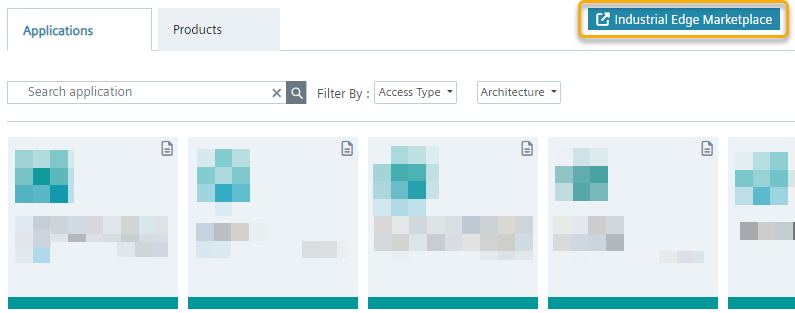
-
Click
Manufacturing & Process Industries. The Industrial Edge Marketplace is opened. -
Click the tile of the app you want to purchase. The app description and app details are displayed. On the left, you find all prerequisites and requirements needed to run this app in the IEM.
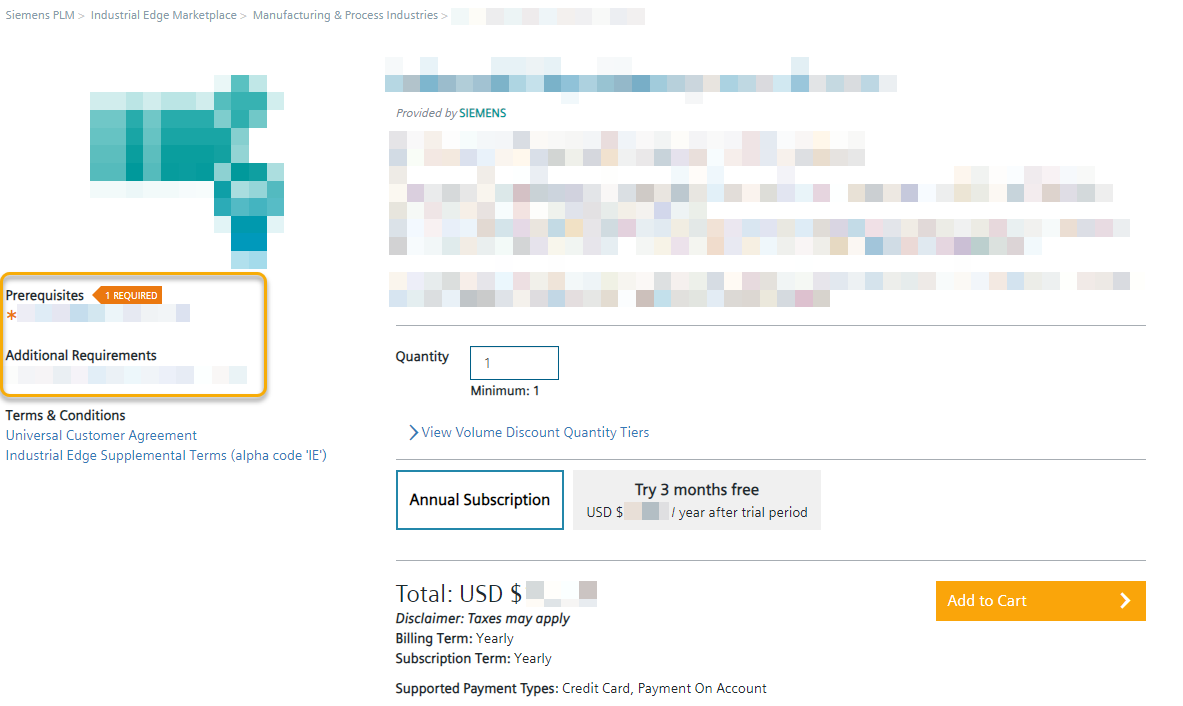
Note If an
Access Codeis required, get in touch with your regional Siemens contact if you like to purchase the App.You can purchase all these required products in 1 transaction.
-
Enter the amount of required licenses in the
Quantityinput field. -
Click
Add to Cart. The cart is displayed.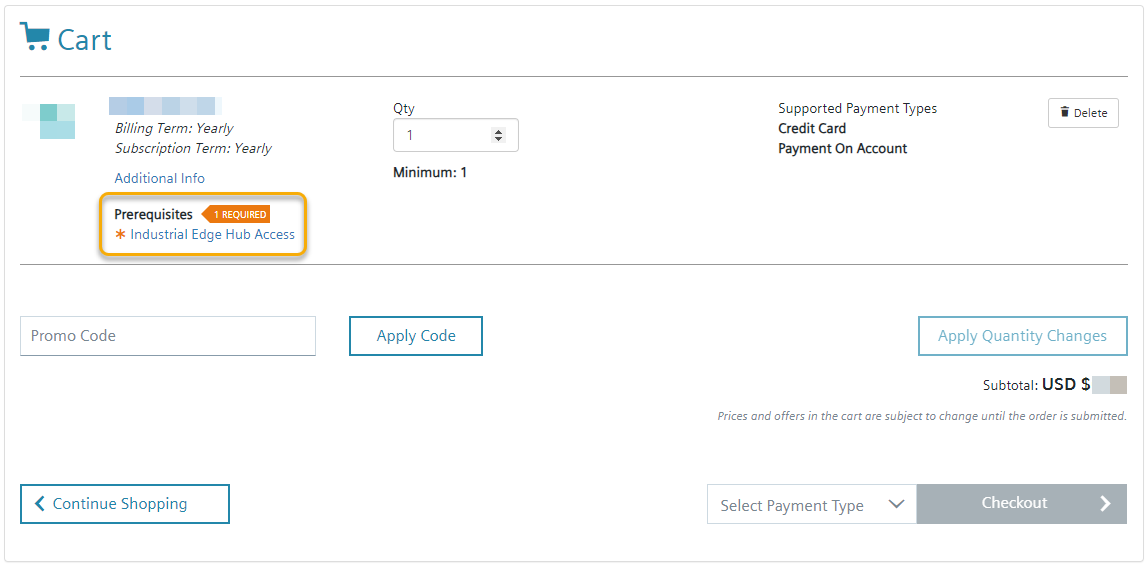 If you have not already done so, use the link in the highlighted area to add all the products you need to your cart.
Note Adding the Prerequisites is only available when you are logged in.
-
From the
Select Payment Typedrop-down list, select your favored payment type. For 3rd party apps, only theCredit Cardpayment type is available. -
Check again your provided information.
Note You can edit again the amount of licenses and apply the changes by clicking
Apply Quantity Changes. -
Click
Checkoutand follow the instructions on the screen.
After you have purchased the app, the app is displayed in the IE Hub under Library.
From there, you can copy the app to your IEM instances.
The amount of licenses, the license itself and further information are displayed under Purchases.
If needed, you can purchase more licenses of the respective app from there.