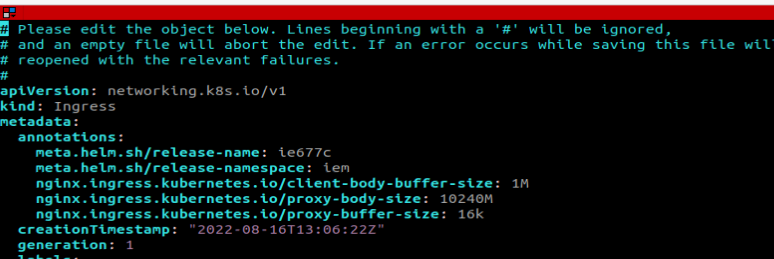
Unable to upload large .app files via Internet Browser
Uploading large application files requires that ingress controllers, load balancers support large body sizes: To investigate this issue, perform the following steps:
-
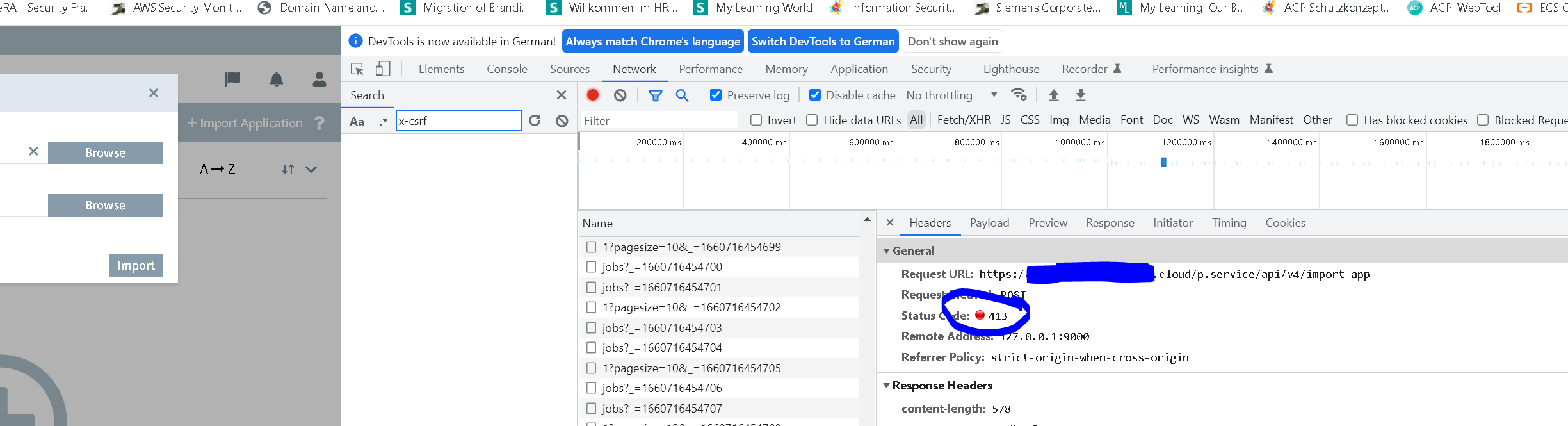
Check the developer console of the Internet browser (Typically you can use F12 to open it).
-
In the Network section you are able to see the API requests done by the browser to the management system
-
Retry the app upload and observe the network tab of developer console
-
If you find response code
413in any API request (as shown in the picture above), ensure that the used loadbalancer or ingress gateway is configured properly to allow large body size. -
If you are using the option
--set global.gateway.ingress.enabled=true, then a ingress rule is created to forward the traffic to the IEM Gateway.