Device Applications Overview page
The Device Application Overview page serves as a central hub for managing and monitoring the various device applications within the system.
- It provides an organized view of device applications, their status, and relevant actions.
- From this page, users can quickly access critical information related to applications.
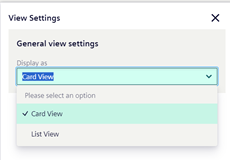
View Setting - List View and Card View
- Users have the flexibility to choose between two display modes: List View and Card View.
-
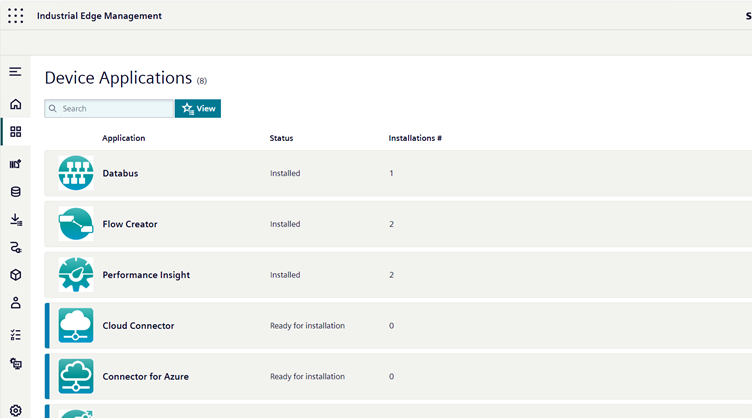
List View presents applications in a detailed list format, showing names, versions, and other relevant details.
-
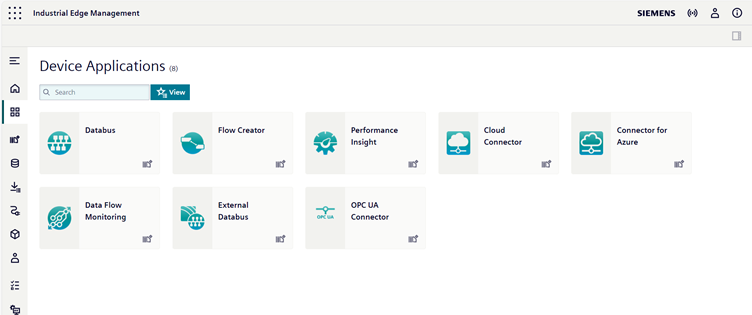
Card View displays applications as visual tiles.
Search
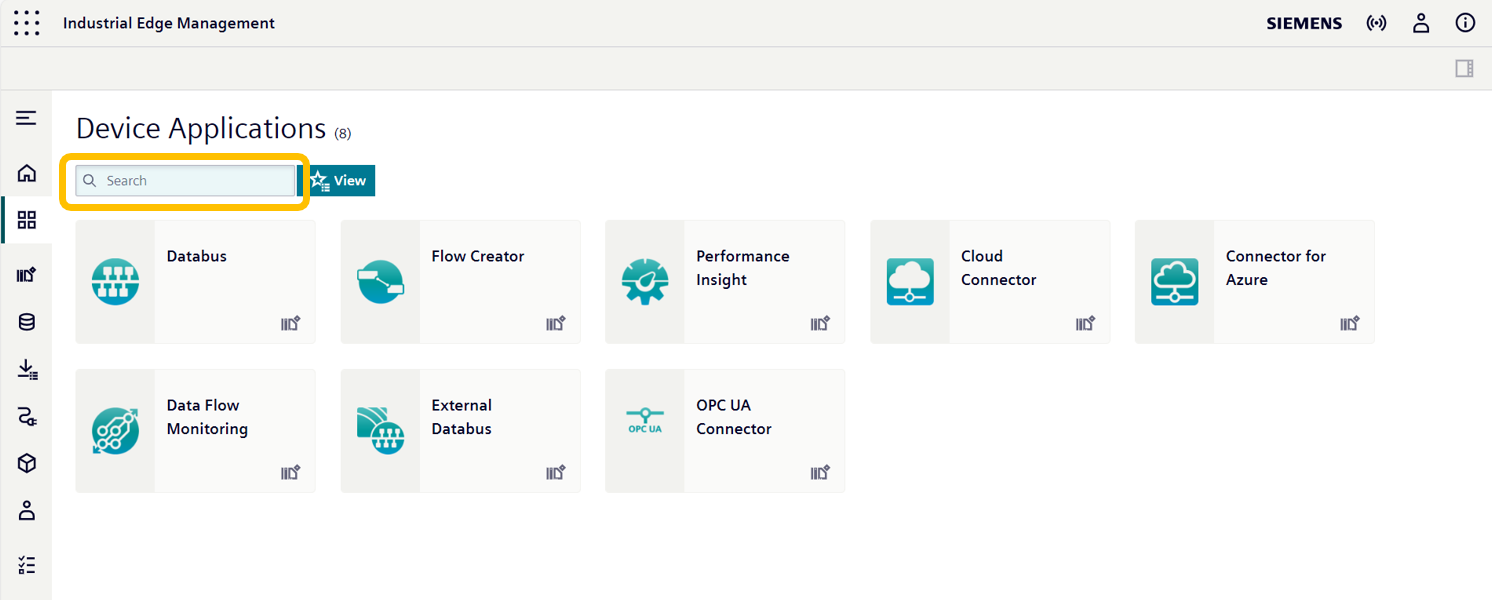
The Search Bar in the upper left corner allows users to search for specific applications by simply entering the application name or relevant keywords.
Application Status
Application status indicators let users know whether an application is ready to install, already installed, or has an update available.
Application Tile
The Application Tile serves as a visual representation of each individual application within the interface.