Customer Feedback
You can provide a feedback about your experience with IEHub.
Procedure
-
Click the
Feedbackbutton on the right side of the IEHub screen.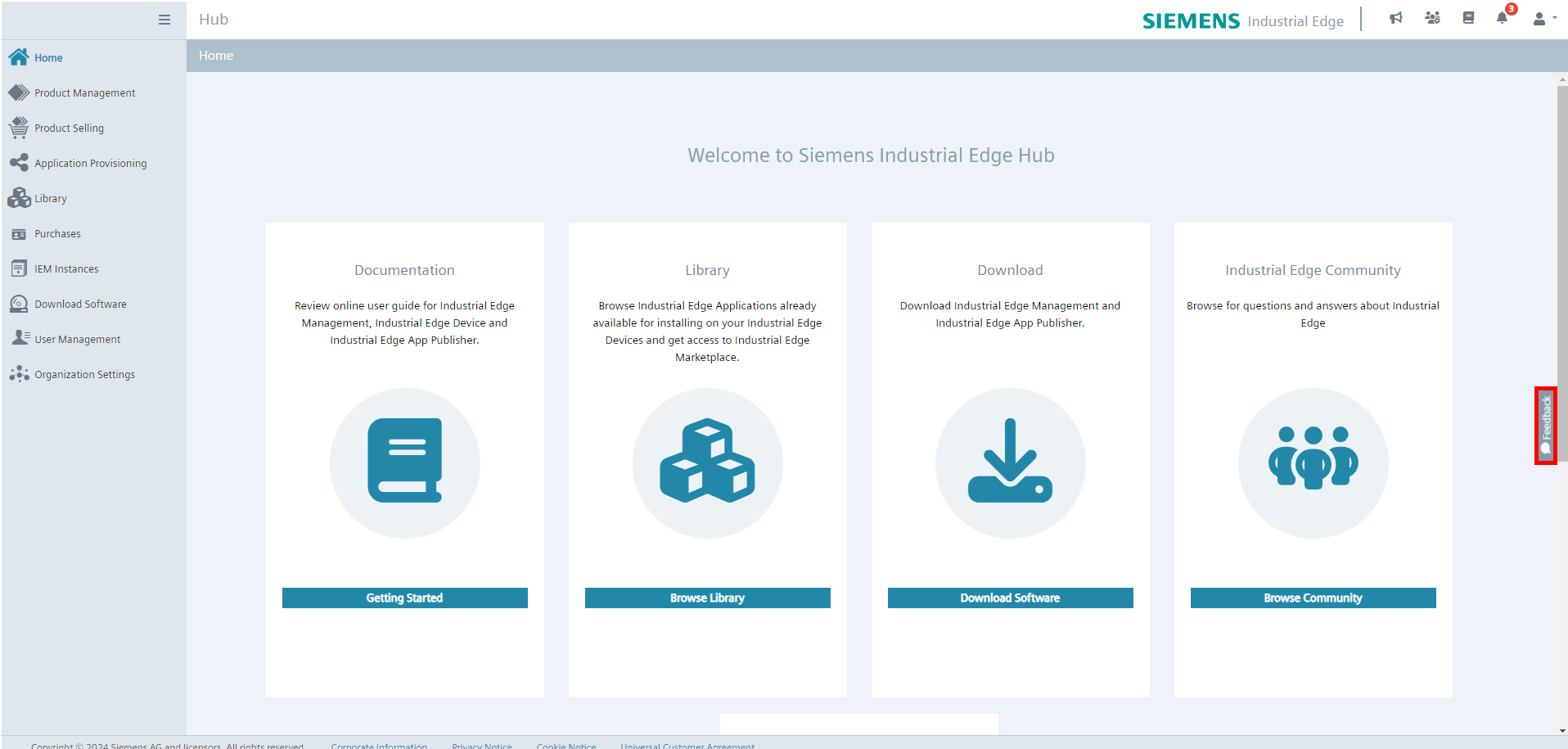 The feedback pop-up appears as shown.

-
Click the
Get Startedbutton in the pop up. -
Read the information text and click
Nextif you want to proceed.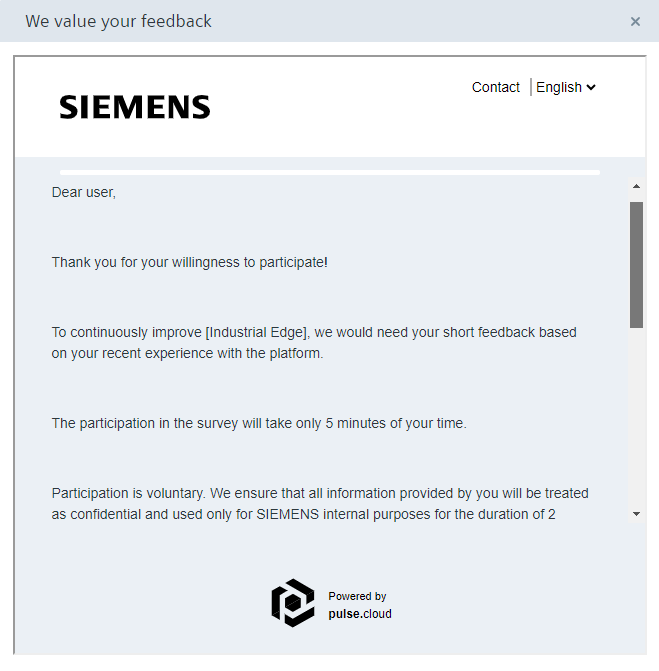
-
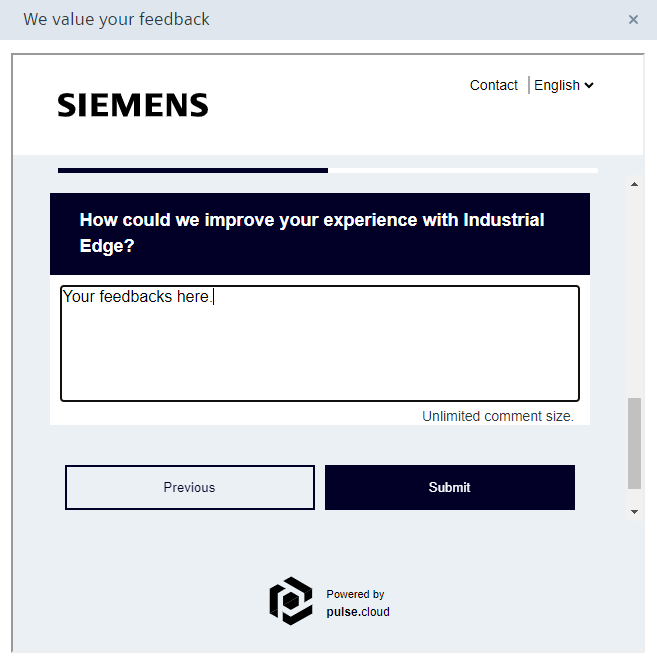
Answer the questions and give your feedback about IEHub.
-
Click the
Submitbutton to send your feedback.